opus55video
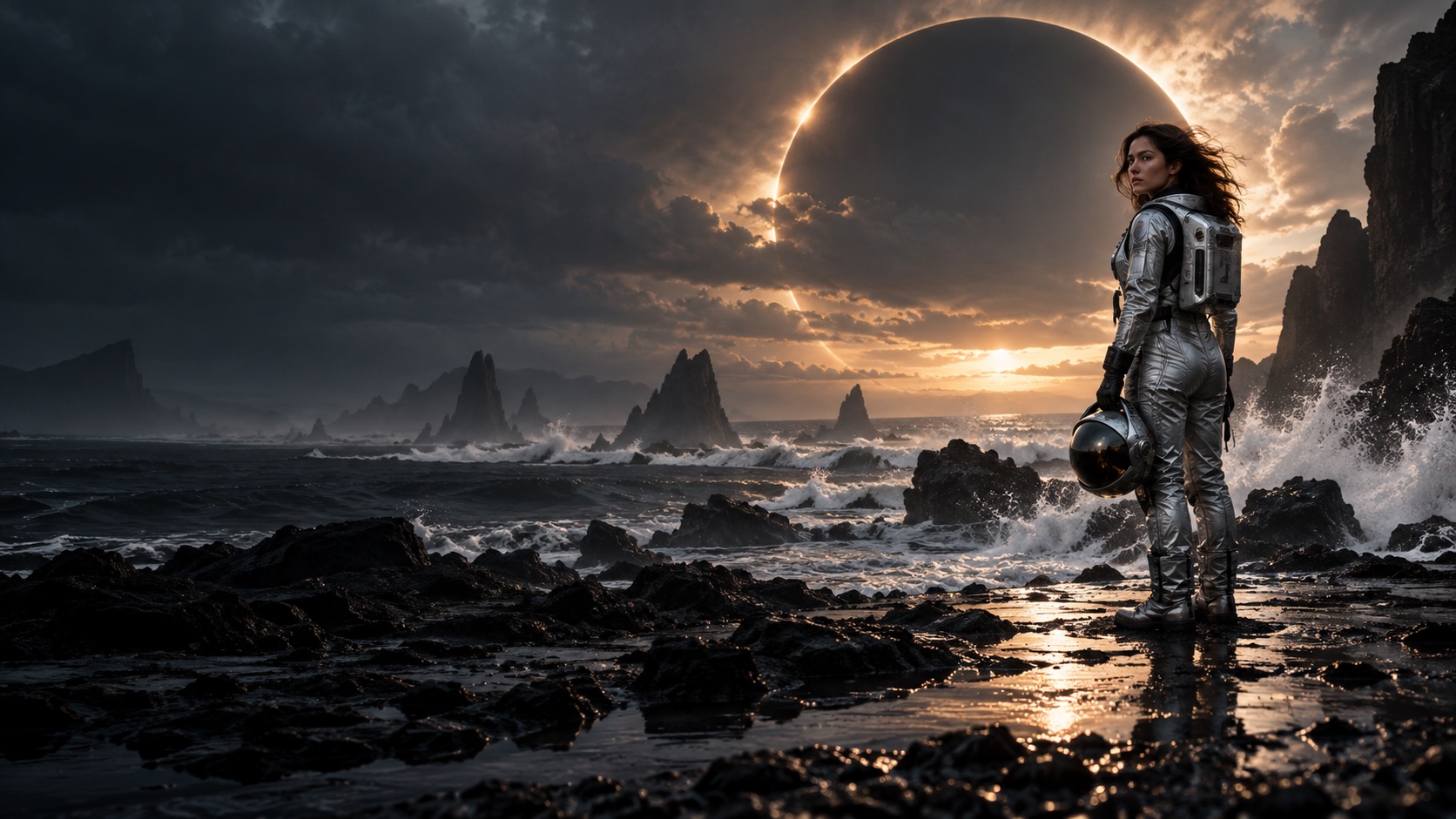
Astronaut on a volcanic coast beneath an eclipse, an AI generated concept frame

AI VIDEO CREATION STUDIO

opus55video makes the frame move.

From the first idea to the final frame. Describe the scene you want, choose a format and timing, and let opus55video generate a striking video from your words, ready to watch and refine.

Sign in to generate. Credits are charged by length and resolution, and failed generations are refunded.

A FOCUSED VIDEO WORKSPACE

Direct the details.

opus55video keeps a clear path from your first prompt to a finished video, with every decision in one place.

Every frame can tell a story.

Move beyond a single aesthetic. Explore dramatic worlds, intimate portraits, and new ways to see, all generated on opus55video.

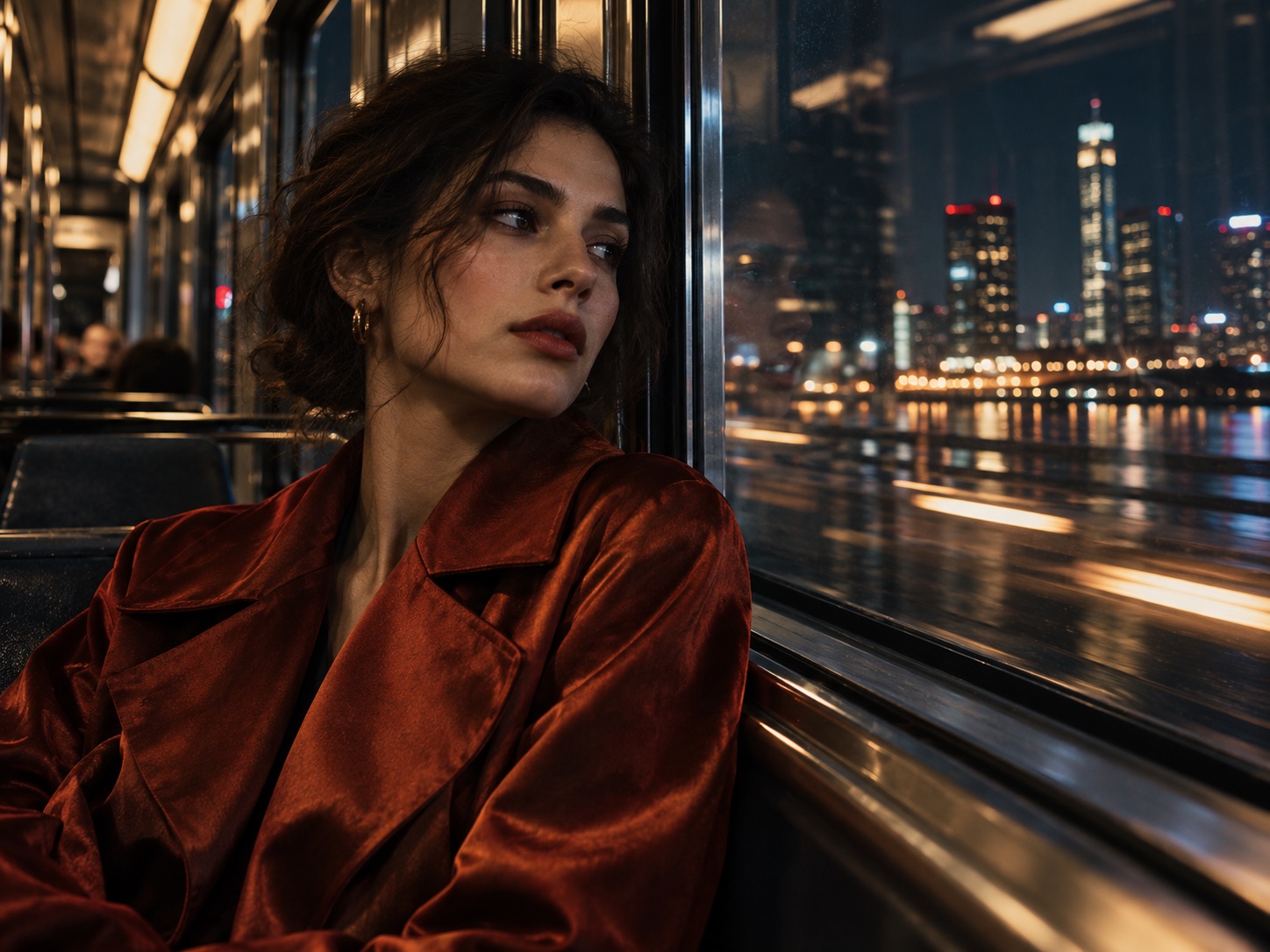
AFTER THE LAST TRAIN

AFTER THE LAST TRAIN

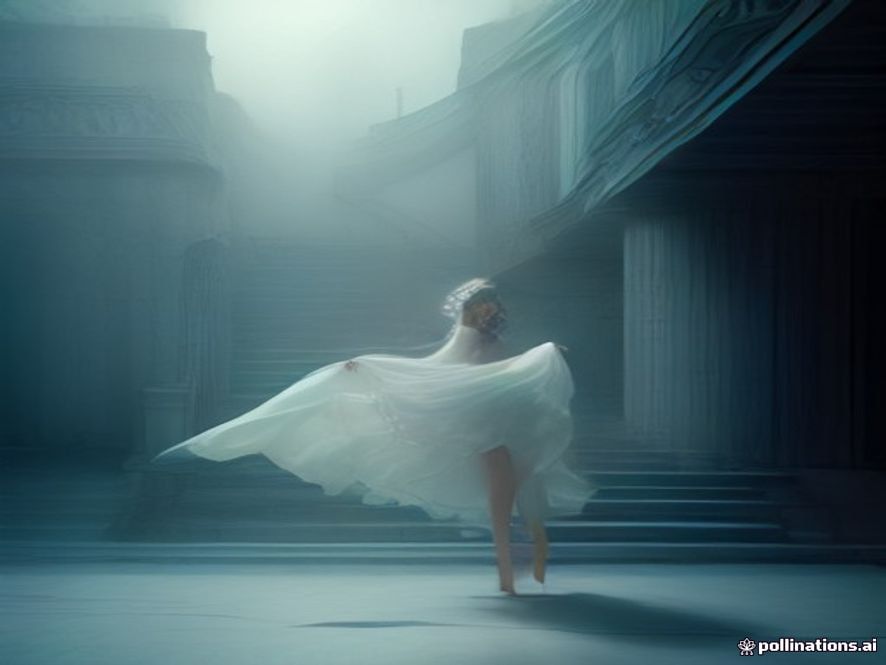
THE QUIET BETWEEN

THE QUIET BETWEEN

BEYOND THE HORIZON

BEYOND THE HORIZON

Concept frames generated for opus55video.

An idea is enough to begin.

  1. Describe it

    Write the scene and the action you want to see, in one or two plain sentences.

  2. Direct it

    Choose the aspect ratio and duration that fit your idea.

  3. Generate it

    Create, review, and refine your shot in the opus55video studio.

Meet opus55video.

opus55video is an online workspace for creating videos from text. Start with a simple scene description, then add the people, setting, action, lighting, and camera movement that matter to your idea. Choose a frame format and duration that suit where the video will be seen. A fleeting cinematic image or a visual concept for your team can begin as a few lines of writing and become a moving shot you can watch.

You can begin without setting up a camera or editing project. Open the video studio, enter a prompt, choose landscape, portrait, or square framing, and set the shot to five or ten seconds. Once you submit the request, follow its progress in your creation history. When it is ready, review the result and return to your prompt to explore another pace, composition, or mood. Nothing is installed and nothing is prepared in advance; the opus55video studio is ready when the idea arrives.

The creative direction stays with you. Decide what appears in the frame, how the subject moves, and what the moment should feel like. AI translates those written cues into motion. Results vary with the prompt and generation process, so each attempt is also an opportunity to discover a new visual direction. That loop of writing and watching is the heart of the opus55video experience.

New models and styling options reach the opus55video studio as they become available, so the way your ideas look keeps evolving with the platform. What stays constant is the workflow: write, direct, generate, and refine in one place.

Tell different stories with AI video

Social video and short film ideas

Looking for an opening shot for vertical content? Use opus55video to try a character, setting, and pace before choosing the direction for your story. Even a few seconds can establish a place or emotion, giving you a visual reference for a script, storyboard, or content pitch, and a fast way to test a look before you commit a shoot day.

Brand and product concepts

Turn an abstract proposal into a specific scene before full production. Where is the product? How does the camera approach it? Where does the light enter? An opus55video clip gives the team a shared image, so visual directions are easier to compare and a written idea is easier to discuss before any budget is spent.

Personal visual experiments

From science fiction landscapes to quiet portraits, rainy streets, and surreal spaces, a text prompt is a starting point for visual exploration. Change the time of day, weather, color, or camera move and see how one idea can produce different viewing experiences. Every opus55video result stays one click away, so you can compare directions side by side.

How do you write a clearer video prompt?

Scene
Begin with the subject and setting, then describe the action. Instead of only writing “a city at night,” try “a person in a dark coat crossing a neon-lit street after rain.” Specific details give the shot a clear moment to build around and make it easier to judge whether the result matches your intention.
Camera
Next, add camera direction and atmosphere. Does the camera push in slowly or follow the subject? Is the frame wide and still or close to a face? Is the light soft or high contrast? You do not need to include every detail at once. Define the elements that matter most, review the result, and adjust one or two things at a time.
Frame
Framing changes the way a shot feels. Landscape gives room to environments and spatial relationships. Portrait works well for a person or close view on a phone. Square framing can hold attention on a centered subject. Choose five seconds for a simple action, or ten seconds to allow more time for mood and camera movement. opus55video keeps these choices together in one workspace, so the format matches the platform where the shot will live.

Questions about opus55video

What can I use opus55video for?

Use opus55video to turn written concepts into short video shots for creative exploration, storyboard references, social content ideas, and conversations about visual direction. Results depend on your prompt and the generation process, so trying a few variations on opus55video can help clarify the image you want. Keep the prompt close to what you would tell a cinematographer: who is in the frame, what happens, and how the camera behaves.

Do I need an image before generating a video?

The current opus55video studio creates video from text. Enter a scene description of at least ten characters, choose a format and duration, and submit your request. A clear subject, action, and camera direction usually communicate more than style words alone.

Which formats and durations are available?

opus55video offers landscape, portrait, and square framing with a five or ten second duration. Think about where the video will be viewed, such as a wide display, a phone, or a square content slot, before selecting the ratio. The opus55video studio shows every option before you submit.

Where do I find a video after submitting it?

See recent requests and their status in the Your creations area of the opus55video studio. Generation can take several minutes. Once a request is complete, open the video and use what you learned to shape your next prompt.

Does opus55video cost anything to try?

The public opus55video studio is free to try with a daily usage limit, and no account is needed. If paid plans arrive later, the price and billing terms will be shown before any purchase.

Pricing

Credits power every generation. Buy a pack once, or subscribe for bonus credits.

Starter

$19.9

Try ideas and small projects

  • 1,420 credits
  • ≈ 3 videos at 720p · 5s
  • ≈ 6 videos at 480p · 5s
  • ≈ 236 standard 1K images
  • Credits never expire
  • Failed generations refunded automatically

Pro

$49.9

For regular creators

  • 3,800 credits
  • ≈ 8 videos at 720p · 5s
  • ≈ 17 videos at 480p · 5s
  • ≈ 633 standard 1K images
  • Credits never expire
  • Failed generations refunded automatically

Studio

$129

For teams and high volume

  • 10,500 credits
  • ≈ 22 videos at 720p · 5s
  • ≈ 47 videos at 480p · 5s
  • ≈ 1,750 standard 1K images
  • Credits never expire
  • Failed generations refunded automatically

OPUS / 55

THE NEXT FRAME IS YOURS.

Bring the scene you have been imagining into motion with opus55video.

Start creating